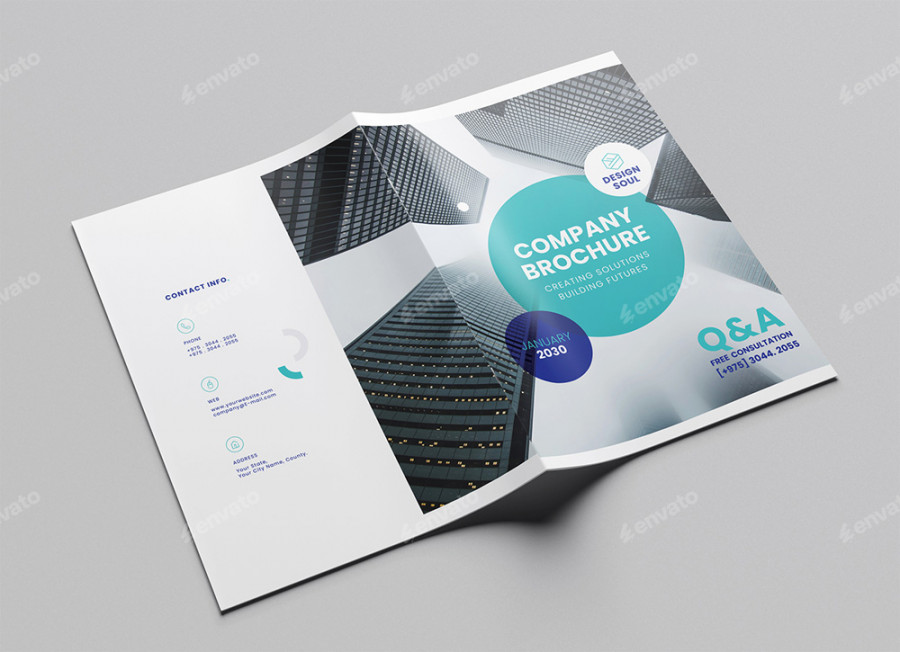
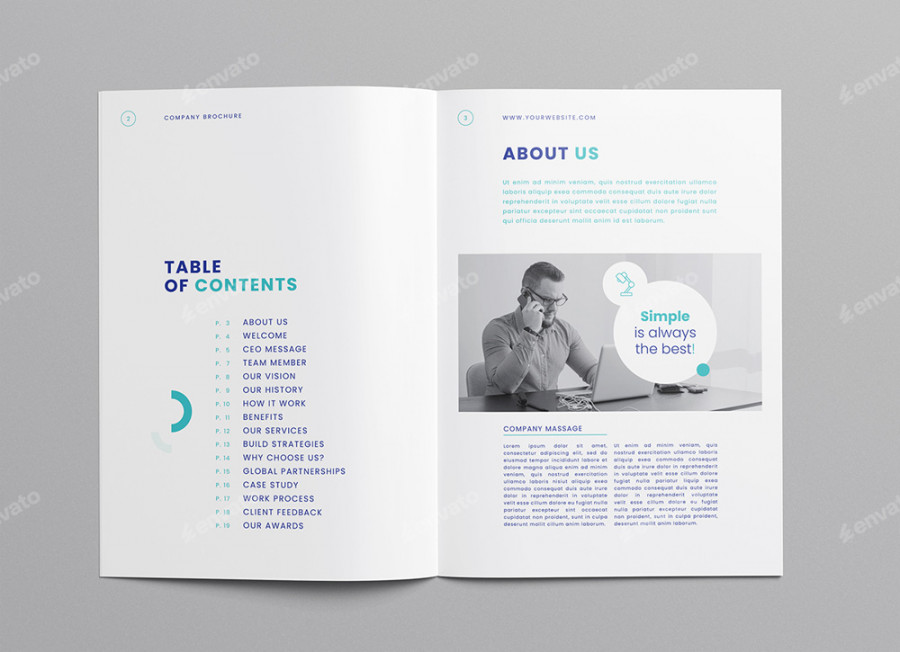
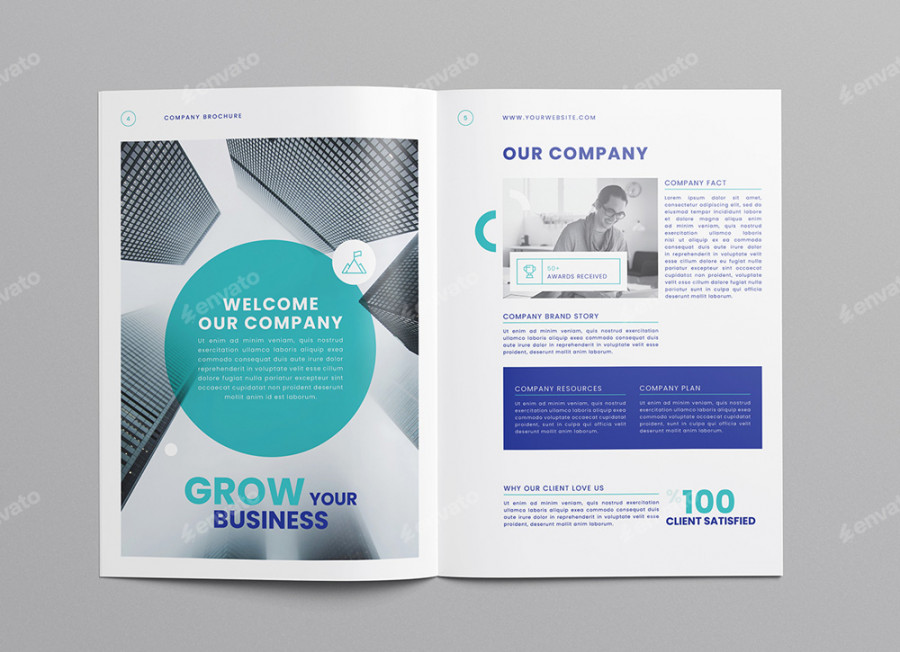
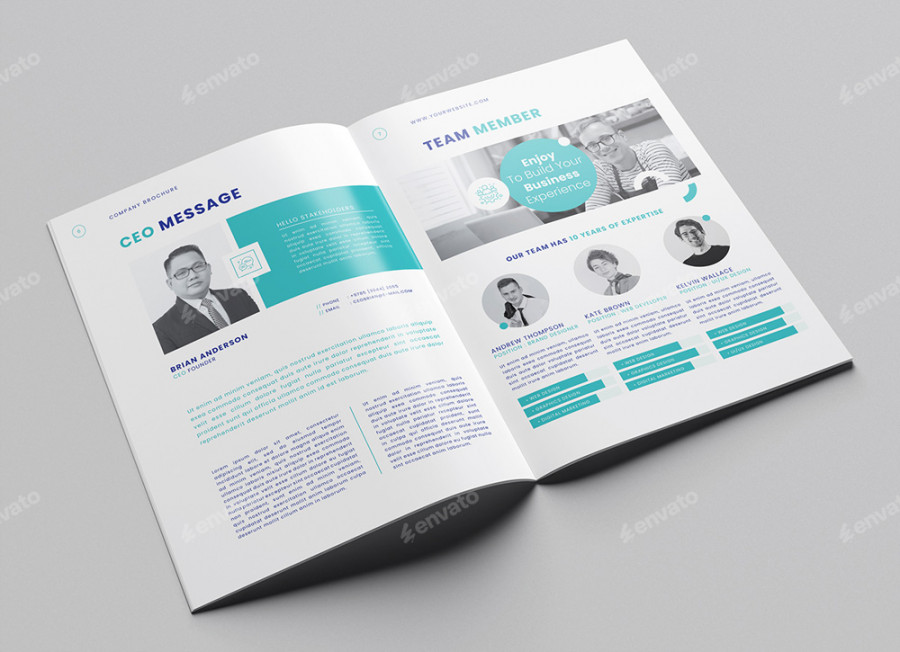
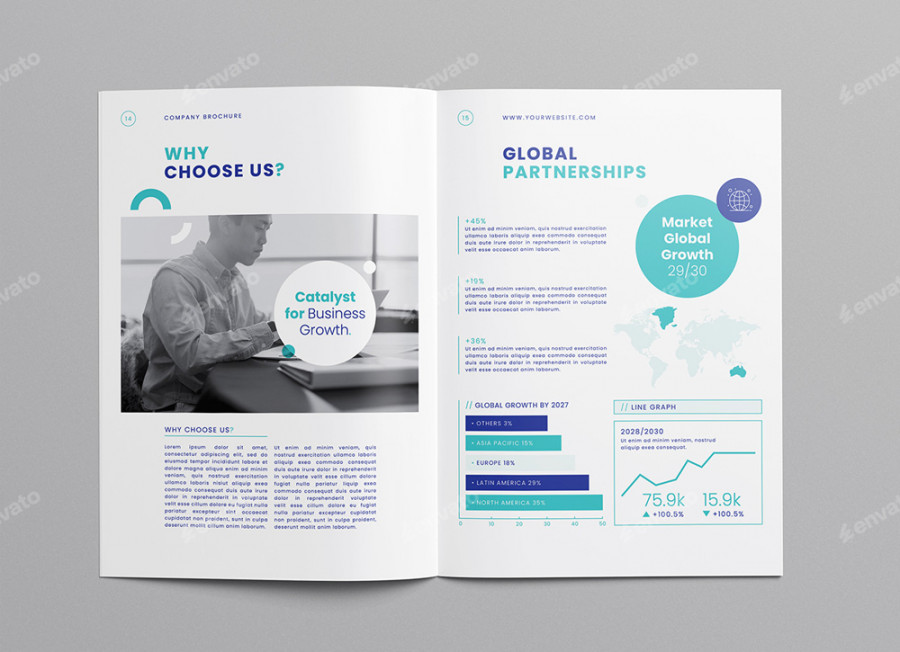
Company Brochure Template - Microsoft Word, InDesign, PSD, Canva
Company Brochure Template – InDesign, Word, PSD & Canva (A4, 20 Pages) Create a lasting impression with this versatile Company Brochure Template, available in Canva, Microsoft Word, Adobe InDesign, and Photoshop formats. Whether you're buil…
Company Brochure Template – InDesign, Word, PSD & Canva (A4, 20 Pages)
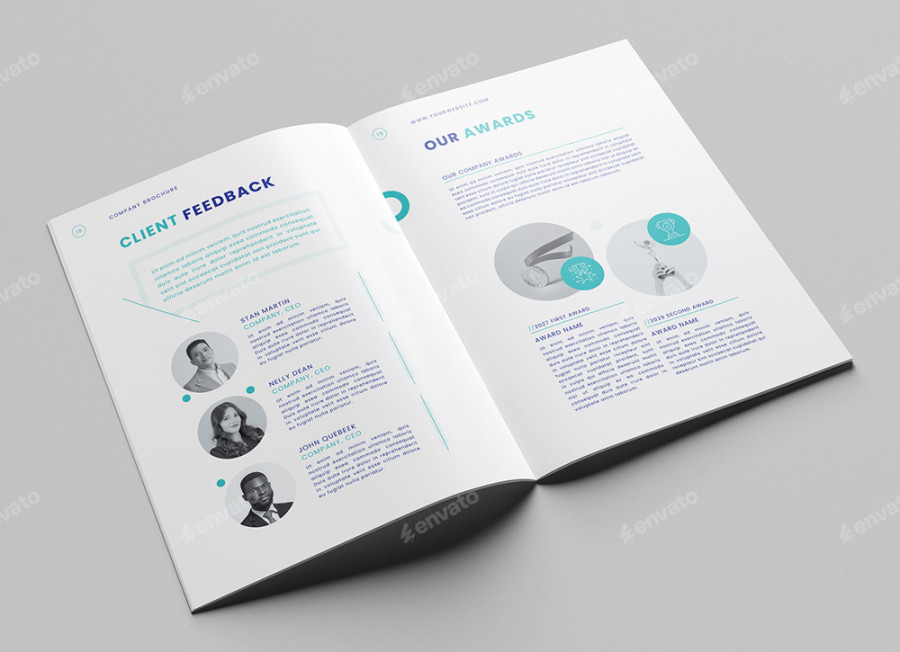
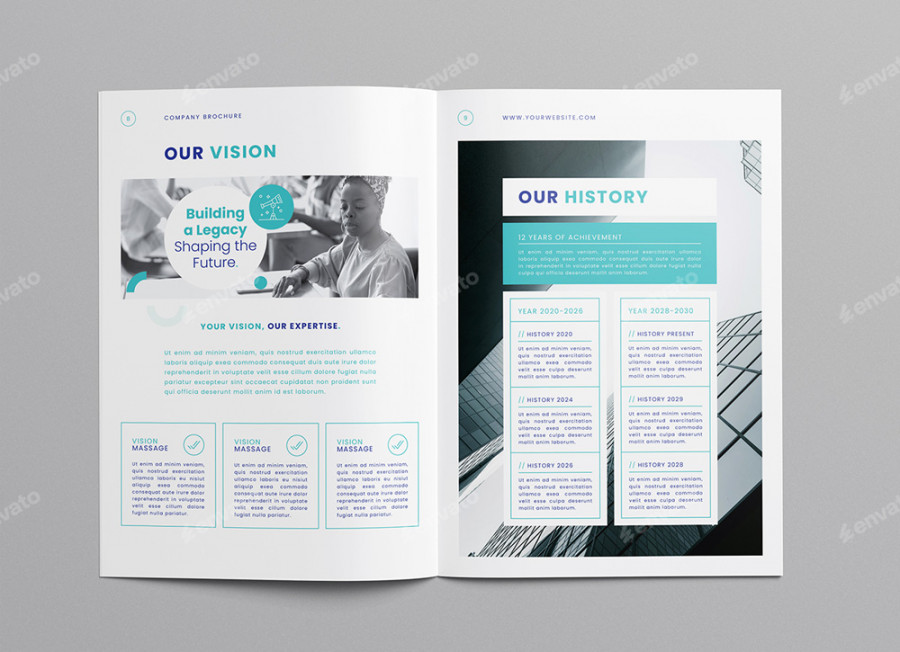
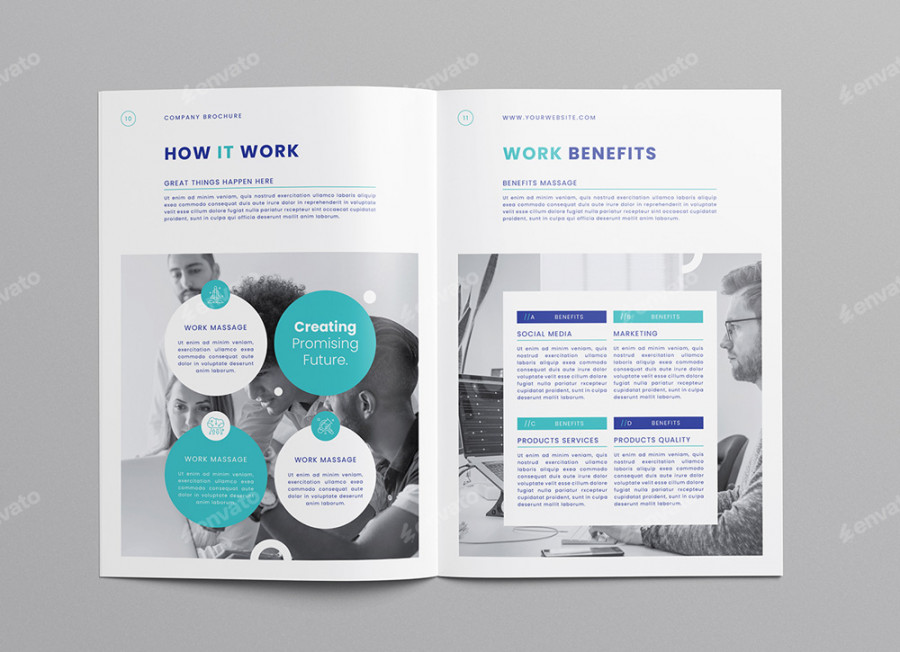
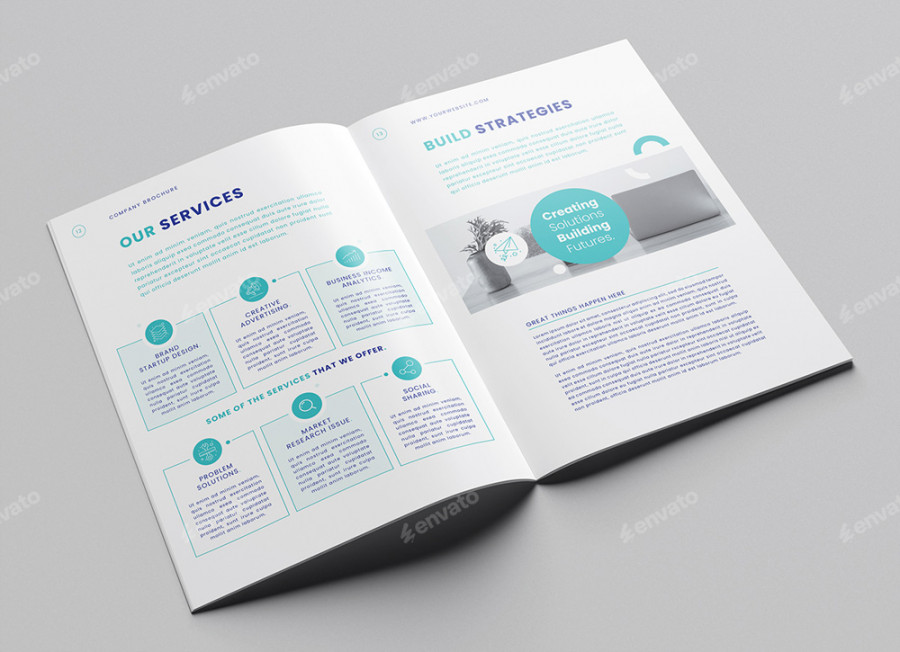
Create a lasting impression with this versatile Company Brochure Template, available in Canva, Microsoft Word, Adobe InDesign, and Photoshop formats. Whether you're building a business profile, company presentation, or corporate catalog, this 20-page layout is fully editable and print-ready.
Designed in A4 size (210×297 mm) + 3mm bleed, this template comes with high-resolution, CMYK color at 300 DPI, making it perfect for both digital and print use. Each file is professionally structured with well-organized layers, making it easy to customize text, images, colors, and branding elements.
Key Features:
* 20 custom-designed pages
* Fully editable in Canva, Word (.docx), InDesign (.indd, .idml), and Photoshop (.psd)
* A4 size: 210×297 mm + 3 mm bleed
* Print-ready – CMYK, 300 DPI
* Well-layered and organized files
* Use as a company brochure, brand profile, pitch deck, or annual summary
* Free fonts used (links included)
* Images not included
Canva Version – How It Works:
1. Create a free account at [canva.com](https://www.canva.com)
2. Open the PDF in the “CANVA TEMPLATE” folder
3. Click the template link and begin editing
4. Customize fonts, text, colors, and images
5. Export as PDF, PNG, or JPEG
Files Included:
* Adobe InDesign (.INDD & .IDML – CS4 and above)
* Adobe Photoshop (.PSD – CS5 and newer)
* Microsoft Word (.DOCX)
* Canva PDF link
Frequently asked questions
Yes. Each download includes a commercial-use license, so you can use the overlays in client work, social media, and print runs without paying extra.
Refer to the description for the detailed file list — the pack usually includes layered sources plus ready-to-use JPG/PNG exports.